On this page
- Why Instagram works for small sellers
- Step 1: Set up a professional account
- Step 2: Check what you are allowed to sell
- Step 3: Post content that sells
- Step 4: Handle messages without losing orders
- Step 5: Take payment safely
- Step 6: Deliver and follow up
- Step 7: Grow your reach
- Measure what matters
- Mistakes to avoid
- Your Instagram selling checklist
- How Zepio helps
To sell on Instagram in India, switch to a professional account, post short Reels that show your product being made, packed or used, reply to every message quickly, and send buyers to your own website or app to order and pay. Instagram is very good at getting you noticed. It is not good at taking orders, so do not run your whole shop from DMs.
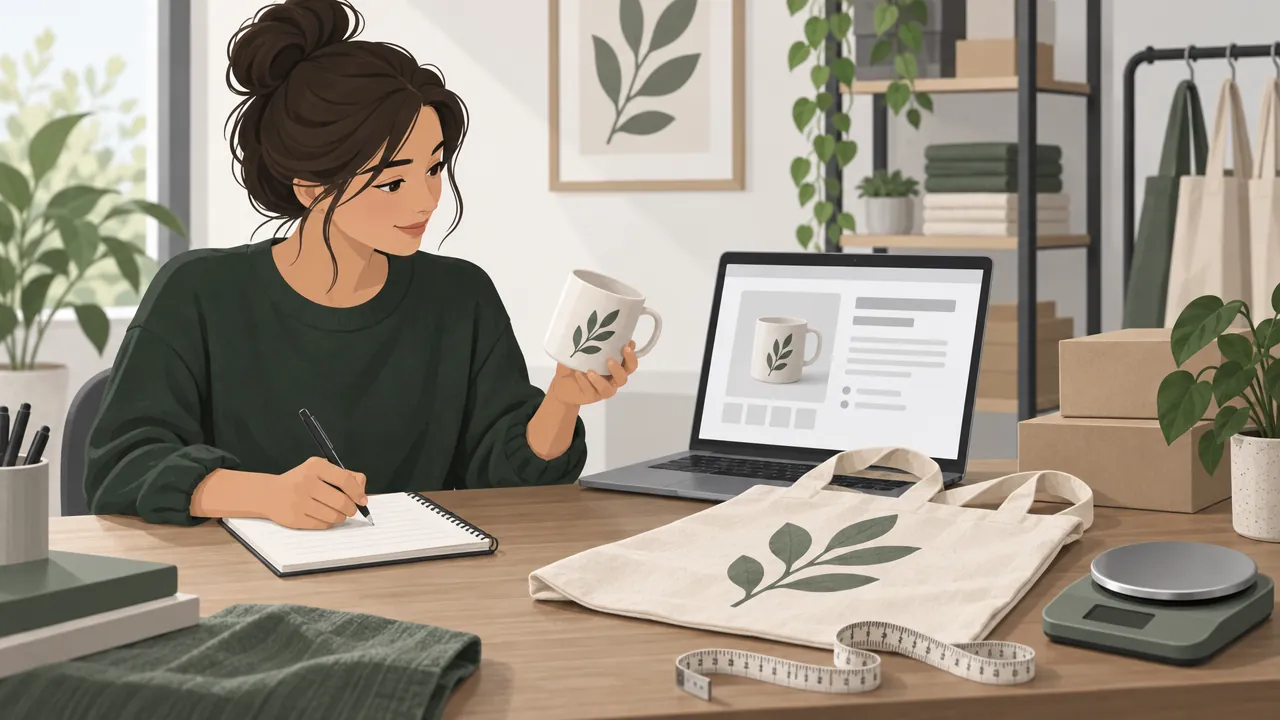
Selling on Instagram usually means using posts, Reels and stories to show products, and messages or links to turn interest into orders. This guide covers setting up, what to post, handling messages, taking payment safely and growing without paying for ads.
Why Instagram works for small sellers
Instagram puts your products in front of a very large audience. DataReportal reports that Instagram's advertising tools showed 481 million users in India in late 2025 (DataReportal). DataReportal notes that ad audience size is not the same as monthly or daily active users, but it gives a sense of scale.
It suits products that look good on a phone screen:
| Works very well | Works well | Harder |
|---|---|---|
| Clothes, sarees, kurtis | Home decor, candles | Groceries |
| Jewellery, accessories | Plants, flowers | Hardware, electricals |
| Cakes, desserts, home food | Skincare, handmade soap | Medicines (prohibited under Meta's commerce policies) |
| Gifts and hampers | Pet products | Bulk or wholesale |
Step 1: Set up a professional account
- Switch to a professional account (Business or Creator) in Instagram's settings. It gives you a contact button, a category and insights.
- Name and handle: use your business name so people can find you. Keep it the same on WhatsApp, Google and your website.
- Bio: one line on what you sell, where you deliver and how to order. "Handmade cotton kurtis. Ships across Maharashtra. Order below."
- One link: your own website or store link, not a list of ten links.
- Highlights: Reviews, Sizes, Delivery, How to order.
To use Instagram's shopping features, Meta lists five commerce eligibility requirements: follow its policies, represent your business and your domain, be located in a supported country, demonstrate trustworthiness, and provide accurate information (Instagram Help). Shopping features are not available in every country and change over time; check Commerce Manager for your account. A website on your own domain is useful either way.
Step 2: Check what you are allowed to sell
Meta's commerce policies apply to any attempt to buy, sell or trade products on Facebook and Instagram services designed for commerce, such as Shops, and breaking them can get posts or product tags removed or commerce features suspended (Meta). The prohibited and restricted list includes prescription drugs, medical and health products including supplements, alcohol, tobacco, weapons, animals, and some digital products and services.
If you sell anything near those categories, read the policy before you post.
Step 3: Post content that sells
People do not follow shops to see price lists. They follow for things worth watching.
| Content | Example | Why it works |
|---|---|---|
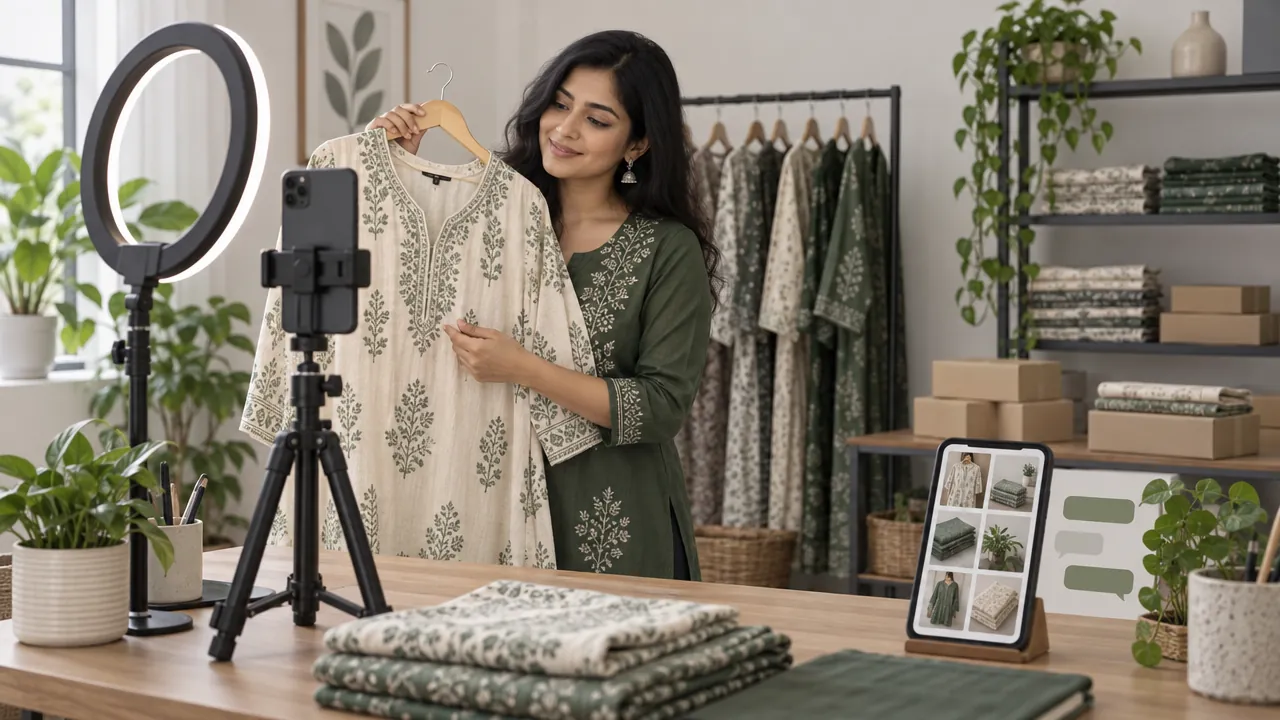
| Making-of Reels | Pickle being mixed, a cake being iced | Shows skill and freshness |
| Packing videos | Wrapping an order with a handwritten note | Builds trust; shows you deliver |
| Styling and use | Three ways to wear one dupatta | Helps people picture owning it |
| Customer stories | A customer's photo with permission | Real proof from real buyers |
| Behind the scenes | Sourcing fabric, the morning mandi run | Makes a small brand personal |
| Clear product posts | Price, sizes, delivery time in the caption | Answers questions before they are asked |
Keep photos honest: real colours, real sizes, no heavy filters. Our guide to taking product photos with a phone shows a cheap setup with window light.
Step 4: Handle messages without losing orders
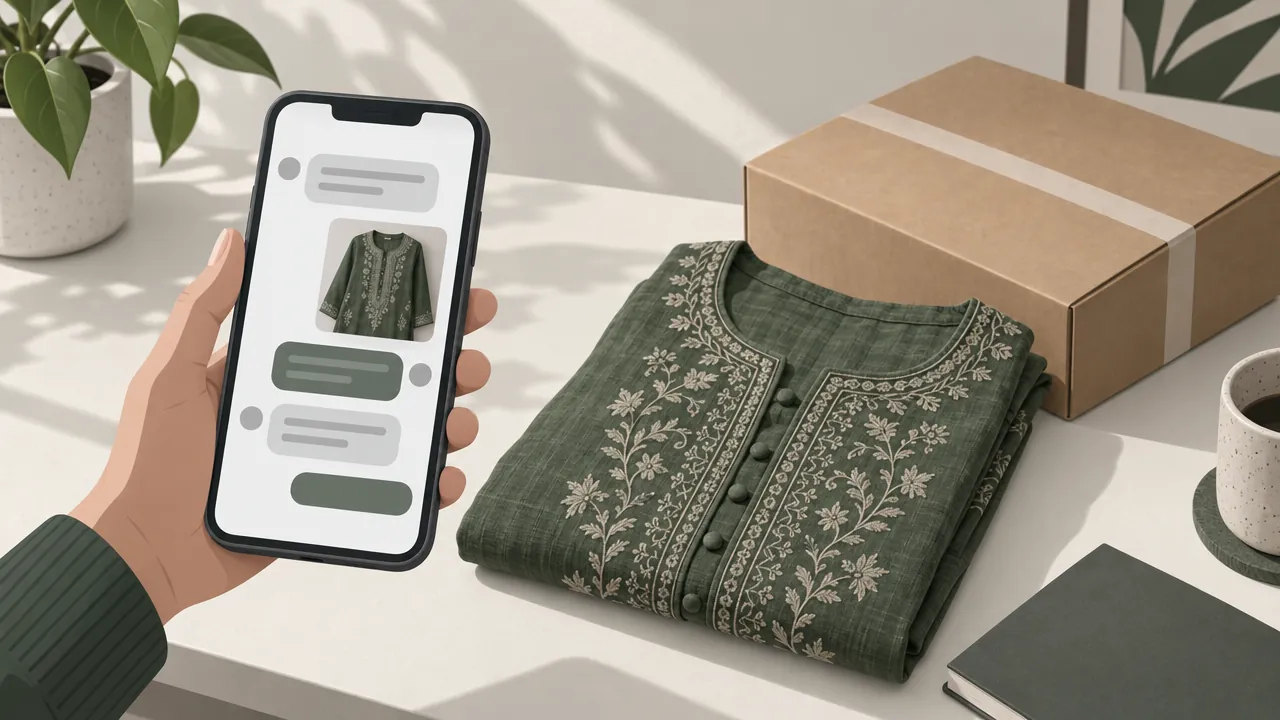
Buyers who want to ask about size or delivery send a DM. Messages pile up fast, and orders get lost.
- Reply quickly, ideally within an hour during the day.
- Save quick replies for common questions: price, sizes, delivery time, how to order.
- Send a link, not a form: "You can order here, with delivery in 2 days: [link]". The customer picks size, address and payment on your website, and you get a clean order.
- Move repeat questions to your bio or highlights.
Some sellers also move chats to WhatsApp. A WhatsApp link generator makes a link that opens a chat with your number. Our guide to selling on WhatsApp Business covers catalogues and quick replies.
Step 5: Take payment safely
Taking payment by DM screenshot is risky: screenshots can be faked, and matching payments to orders by hand takes hours.
| Method | Good | Watch out |
|---|---|---|
| Checkout on your own website or app | Payment linked to the order automatically; UPI, cards and wallets | Small gateway fee per payment |
| UPI QR or UPI ID shared in chat | No gateway charge | Check every payment in your bank app before shipping; never trust a screenshot alone |
| Cash on delivery | Customers like it | Refused deliveries and fake orders; cash to collect and count |
Our guide to accepting online payments compares gateways and fees. If you offer cash on delivery, read how to reduce fake COD orders.
Step 6: Deliver and follow up
- Share the delivery time before payment. "Ships in 2 days, delivered in 3 to 6 days" sets expectations.
- Send the tracking link when it ships.
- Ask for a photo and a review after delivery, and repost with permission.
- Thank repeat buyers with early access to new collections.
For couriers, see how to ship products across India. If you sell to other states, check the GST rules in how to sell online without GST.
Step 7: Grow your reach
Free ways to grow (see how to promote your business online for free for more channels):
- Post Reels regularly. Short, clear videos with your product in the first seconds.
- Use location tags and a few specific hashtags, such as your city and product.
- Collaborate with nearby businesses or small local creators. If you give them free products for a post, they should disclose it as an ad or collaboration.
- Run a referral offer for customers: see how to start a referral program.
When you are ready to pay for reach, our guide to Facebook and Instagram ads for small business explains budgets, targeting and tracking.
Measure what matters
Likes feel good; orders pay the bills. Each week, note:
| Number | Where to find it |
|---|---|
| Profile visits and link taps | Instagram insights |
| Messages received | Your inbox |
| Orders from Instagram | Your store's orders, using a separate link in your bio |
| Best posts | The posts that brought the most messages and orders |
Make more of what brings orders.
Mistakes to avoid
Running the whole shop from DMs. Orders get lost, payments get mixed up, and you cannot grow.
"DM for price." Some buyers will not ask. Put the price in the caption or the link.
Heavy filters. Customers who receive something that looks different from the photo may send it back.
Buying followers. Fake followers do not buy, and they make your insights useless for judging what works.
Selling restricted products. Check Meta's commerce policies first.
Your Instagram selling checklist
- Professional account with your business name and a clear bio
- One link in bio to your own website or store
- Highlights for reviews, sizes, delivery and how to order
- Products checked against Meta's commerce policies
- Two or three Reels a week showing products being made, packed or used
- Quick replies saved; every message answered the same day
- Payment taken through checkout or checked in your bank before shipping
- Orders from Instagram tracked weekly
How Zepio helps
Instagram gets you noticed; Zepio gives you the place where the order happens. Your own website, with an Android app and an iPhone app add-on, shows your products with sizes and colours, takes payment by UPI, cards and wallets, and sends every order to one admin. Put your store link in your bio, add the Facebook Pixel to measure what your posts and ads bring, with 0% commission on your sales.
Show your products well on Instagram, answer quickly, and send every buyer to a checkout that works. That is how followers become customers.
Questions people ask
Can I sell on Instagram without a website?
Is Instagram Shopping available in India?
How do I take payment for Instagram orders?
What can't I sell on Instagram?
How often should I post to sell on Instagram?
Sources
- Commerce eligibility requirements, Instagram Help Center
- Commerce Policies, Meta
- Digital 2026: India, DataReportal
Facts were checked against these sources on 22 Oct 2026. Rules and prices change: check the source before you rely on a figure. Read our editorial standards, or write to hi@zepio.io to report a mistake.