On this page
To accept online payments as a small business, use a UPI QR code for payments at the counter and in chats, a payment gateway on your website and app so each order is marked paid on its own, payment links for one-off orders, and cash on delivery with sensible checks. Compare each method on its fee, how fast money reaches your bank, and how each payment gets matched to the right order.
A payment gateway is a service that lets customers pay online by UPI, card, net banking or wallet, confirms the payment to your website or app, and pays the money into your bank account on a set cycle. This guide compares the ways to get paid, what they cost, the KYC you need, and how to keep failed payments from becoming lost orders.
How Indians pay online today
UPI is used at enormous scale in India. In September 2026 alone, UPI handled 24.07 billion transactions worth ₹29.37 lakh crore, according to NPCI data reported by Outlook Money. Cards, net banking and wallets still matter to some customers, and cash on delivery is still common; our guide on reducing fake cash on delivery orders has the numbers.
So a small business usually needs more than one way to get paid.
The four ways to get paid
| Method | How it works | Good for | Watch out for |
|---|---|---|---|
| UPI QR code | The customer scans your QR and pays into your bank account | The counter, WhatsApp orders, small volumes | You check every payment and match it to an order by hand |
| Payment gateway | The customer pays at checkout on your website or app | Online orders at any volume | A fee on each payment; KYC to open the account |
| Payment link | You send a link by WhatsApp or SMS; the customer pays on a hosted page | Custom orders, advances, unpaid bills | Still one order at a time |
| Cash on delivery | The customer pays the delivery person | Customers who will not pay online | Refused orders, cash to collect and settle |
A practical setup is a gateway for website and app orders, a UPI QR code at the counter or door, and cash on delivery with limits.
Option 1: A UPI QR code
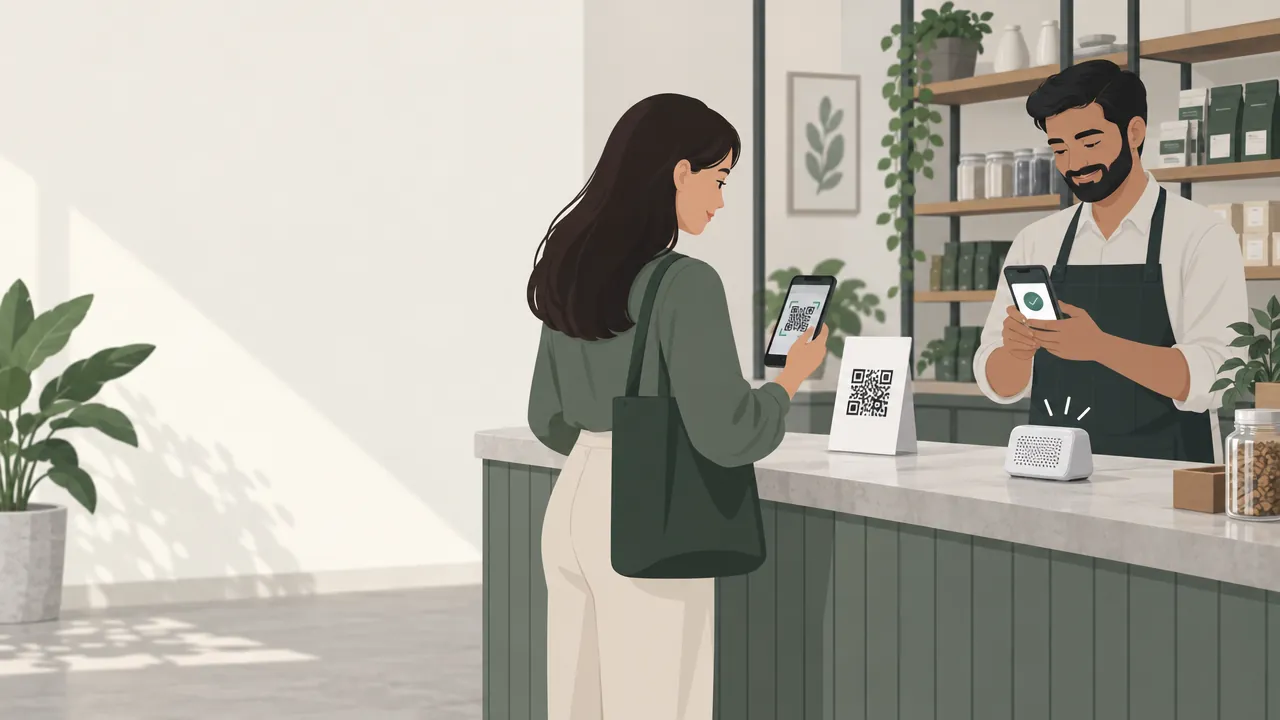
A UPI QR code linked to your bank account is the quickest way to start. Customers scan it with any UPI app and the money goes straight to your account.
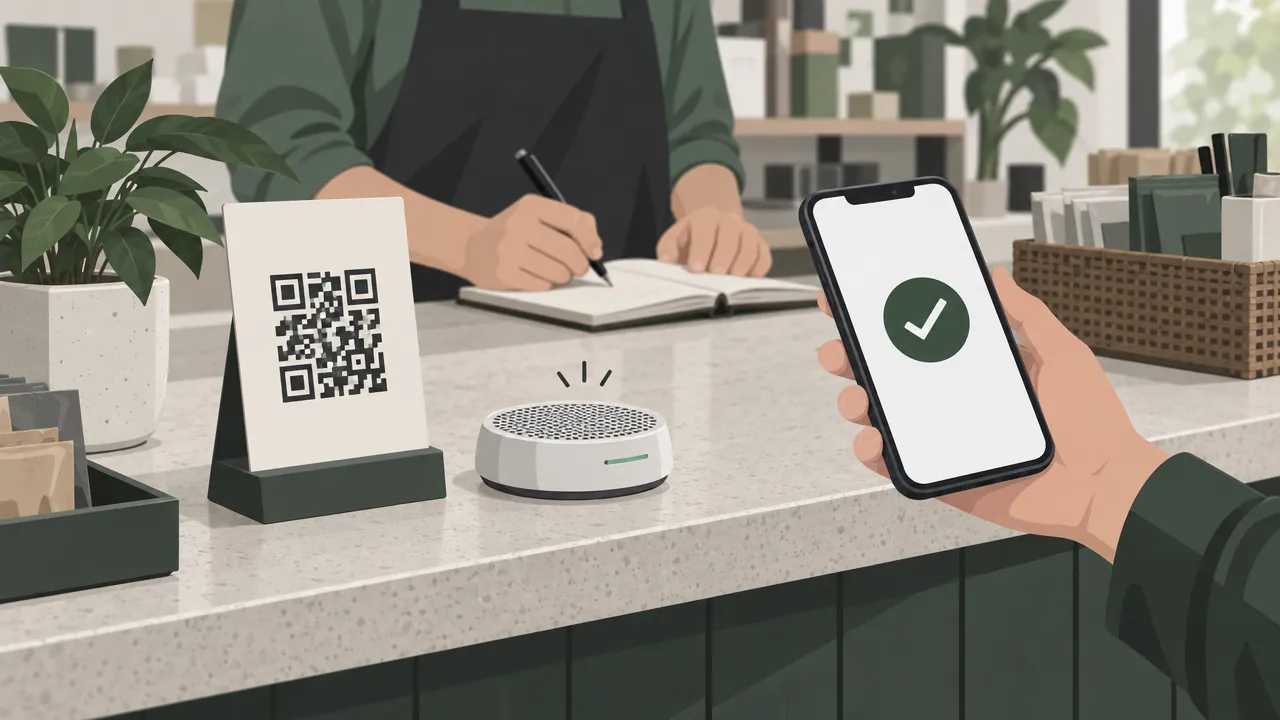
- Get a merchant QR from your bank or a payments app, in your business name.
- Print it for the counter and delivery bags, and keep a copy to send in chats. A UPI QR code generator can make one with your amount filled in.
- Turn on payment alerts, so you hear or see every payment as it lands.
The catch: a QR code does not know which order a payment is for. You check the payment in your bank app, match it to the order and mark it paid. That is fine for a few orders a day and hard at fifty.
Warning: Never dispatch an order on a screenshot alone. Check the money in your bank or UPI app first. Screenshots are easy to fake.
Option 2: A payment gateway
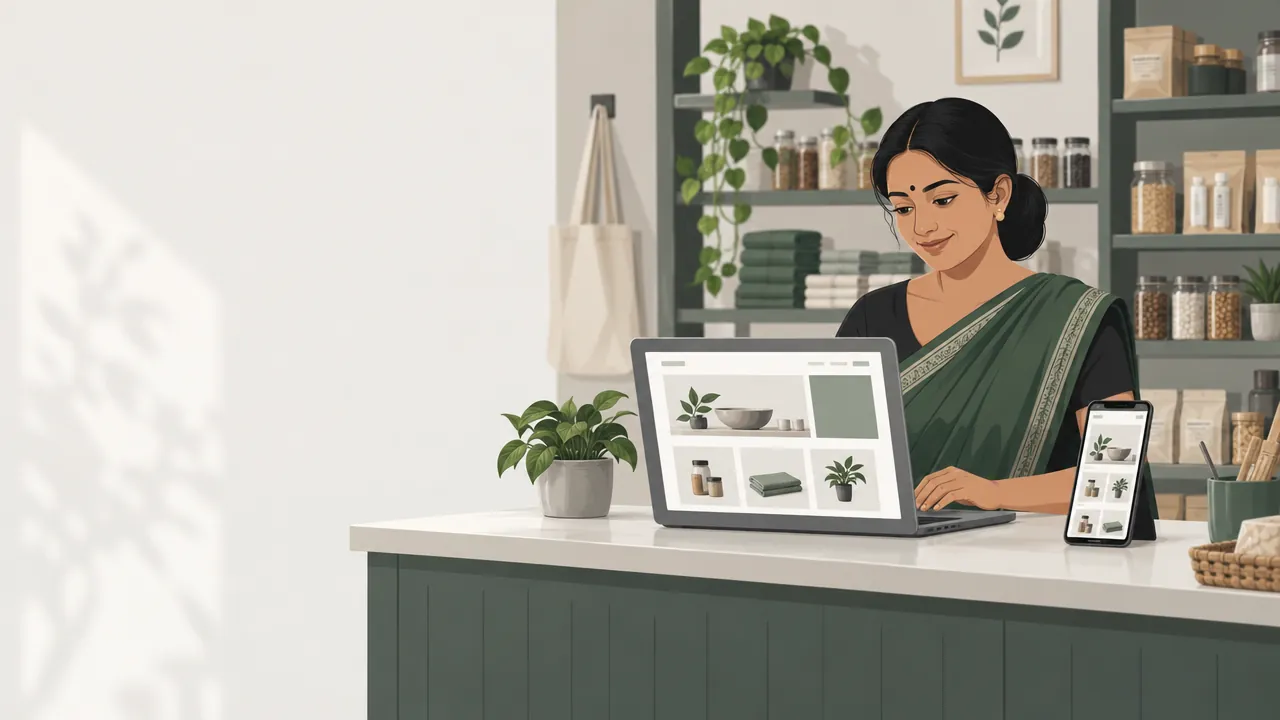
A payment gateway sits inside your website or app checkout. The customer picks UPI, card, net banking or a wallet, pays, and your store marks the order paid automatically, with the payment reference saved on the order.
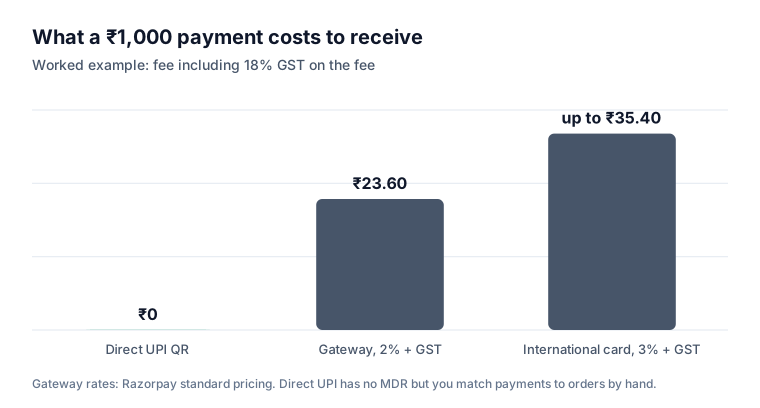
What it costs. Gateways charge a fee on each successful payment. Razorpay's standard pricing, for example:
| Payment method | Razorpay standard fee |
|---|---|
| UPI | Zero MDR, with a 2% platform fee |
| Domestic debit and credit cards | 2% platform fee (2.15% on corporate cards) |
| Net banking and wallets | 2% platform fee |
| International cards | Up to 3% |
| Setup fee and annual charge | ₹0 |
GST at 18% applies on the fee. Other gateways, such as Cashfree, publish their own rates; compare them on the methods your customers use most.
When the money arrives. Gateways pay out on a cycle. Razorpay's standard cycle for domestic payments is T+2 working days, where T is the day the payment is captured, with Instant Settlements available for a small fee. Plan your cash flow around it, especially before festivals when you buy more stock.
What you need to open an account. RBI's 2025 Master Direction on payment aggregators asks gateways to verify merchants when they onboard them, with lighter checks for smaller businesses: contact verification, PAN verification and one valid document (IndiaCorpLaw). Keep these ready:
- PAN of the business or owner
- A bank account in the business or owner's name
- Business details, address and website
- A business proof such as GST registration or a shop licence, if you have one
Option 3: Payment links
A payment link is a one-off checkout page you send by WhatsApp, SMS or email. It is useful for:
- Advances on custom orders, such as a cake design or tailored clothing.
- Phone and WhatsApp orders that did not go through your website.
- Unpaid bills or balance amounts.
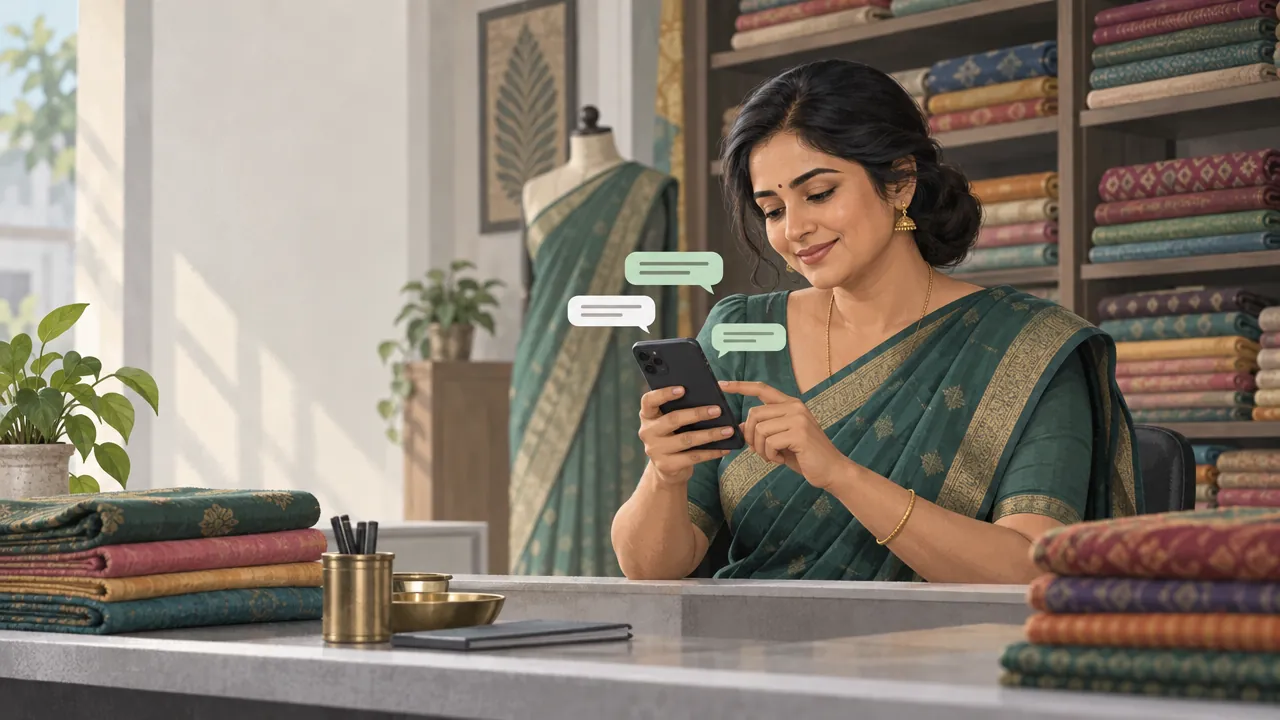
Razorpay and Cashfree both let you create links from their dashboards, and the payment shows against the link, which makes matching easier than a plain QR. Our guide on selling on WhatsApp Business has message templates for sending them.
Option 4: Cash on delivery, with checks
Cash on delivery wins orders from customers who do not trust paying in advance, but refused orders cost you a trip both ways. Keep it, with checks:
- Verify the customer's phone with an OTP.
- Confirm the order by message before dispatch.
- Take a part payment online on larger or first orders.
- Switch off cash on delivery for the few customers who refuse orders again and again.
- Accept UPI at the door, with a QR code printed on the invoice, so customers without change can still pay.
Our guide on reducing fake cash on delivery orders covers each step with numbers.
Design a checkout that gets paid
Two payment rules matter most once the gateway is connected:
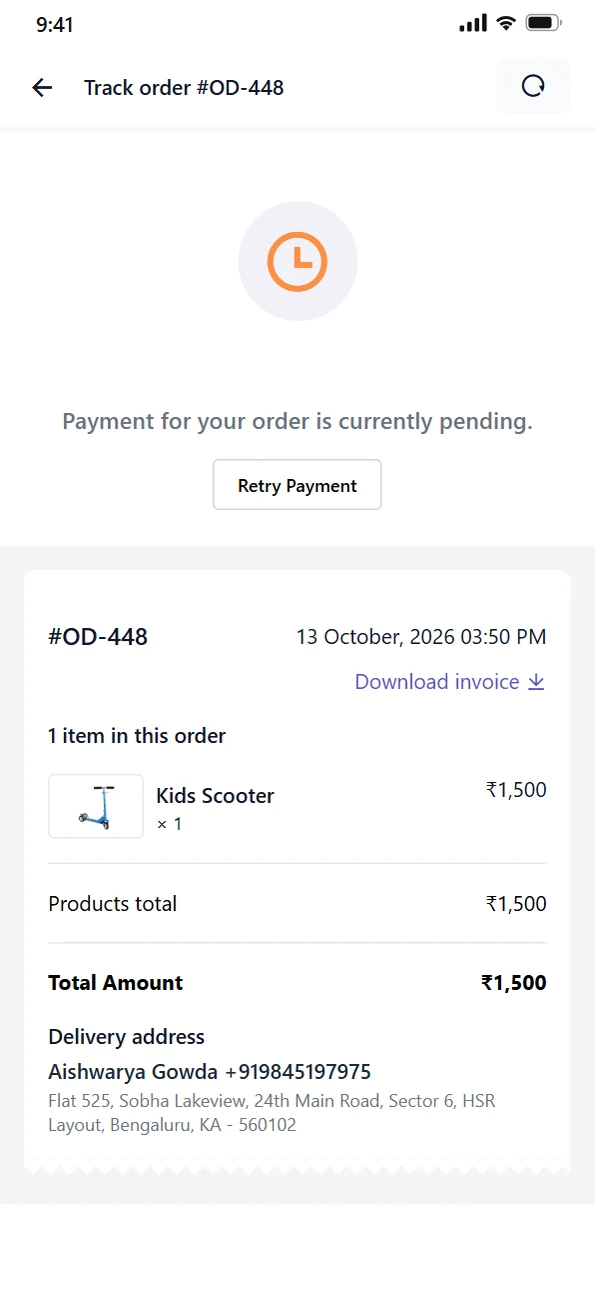
- Create the order only after the payment succeeds. An order created before payment, then abandoned, clutters your list and confuses your staff.
- Make a failed payment easy to retry. Show a clear message and a "Try again" button that keeps the cart.
For the rest of a checkout that keeps shoppers, such as showing the full total early and putting UPI first on phones, see our guide on recovering abandoned carts.
Tip: Look at your failed payments every week. If one method fails often, move another above it in the checkout.
Refunds and disputes
- Refund through the same method the customer paid with, from your gateway dashboard, so it reaches them without new bank details.
- Write down your refund timeline in your refund policy, and stick to it.
- Keep proof of delivery, such as a delivery OTP or courier tracking, for card disputes. A return policy generator gives you a draft policy to adapt.
Mistakes to avoid
Running a growing store on QR screenshots. Matching payments by hand stops working as orders grow.
Choosing a gateway on the headline rate alone. Compare the rate on the methods your customers actually use, and the settlement cycle.
Hiding fees until the last step. Extra costs such as shipping, tax and fees were the top reason US shoppers gave for abandoning a checkout in Baymard's survey; see recovering abandoned carts.
No retry for failed payments. Each one is an order that walked away.
Forgetting settlement time in your cash flow. Money paid today may reach your bank two working days later.
Your payments checklist
- A merchant UPI QR code in your business name, with payment alerts on
- A payment gateway account with KYC done
- The gateway connected to your website and app checkout
- Full totals shown before the payment step; UPI first on phones
- Orders created only after successful payment, with an easy retry
- Cash on delivery with OTP, confirmation, part payment and limits
- UPI QR on invoices for payment at the door
- A written refund policy and timeline
- Settlement cycle built into your cash flow plan
How Zepio helps
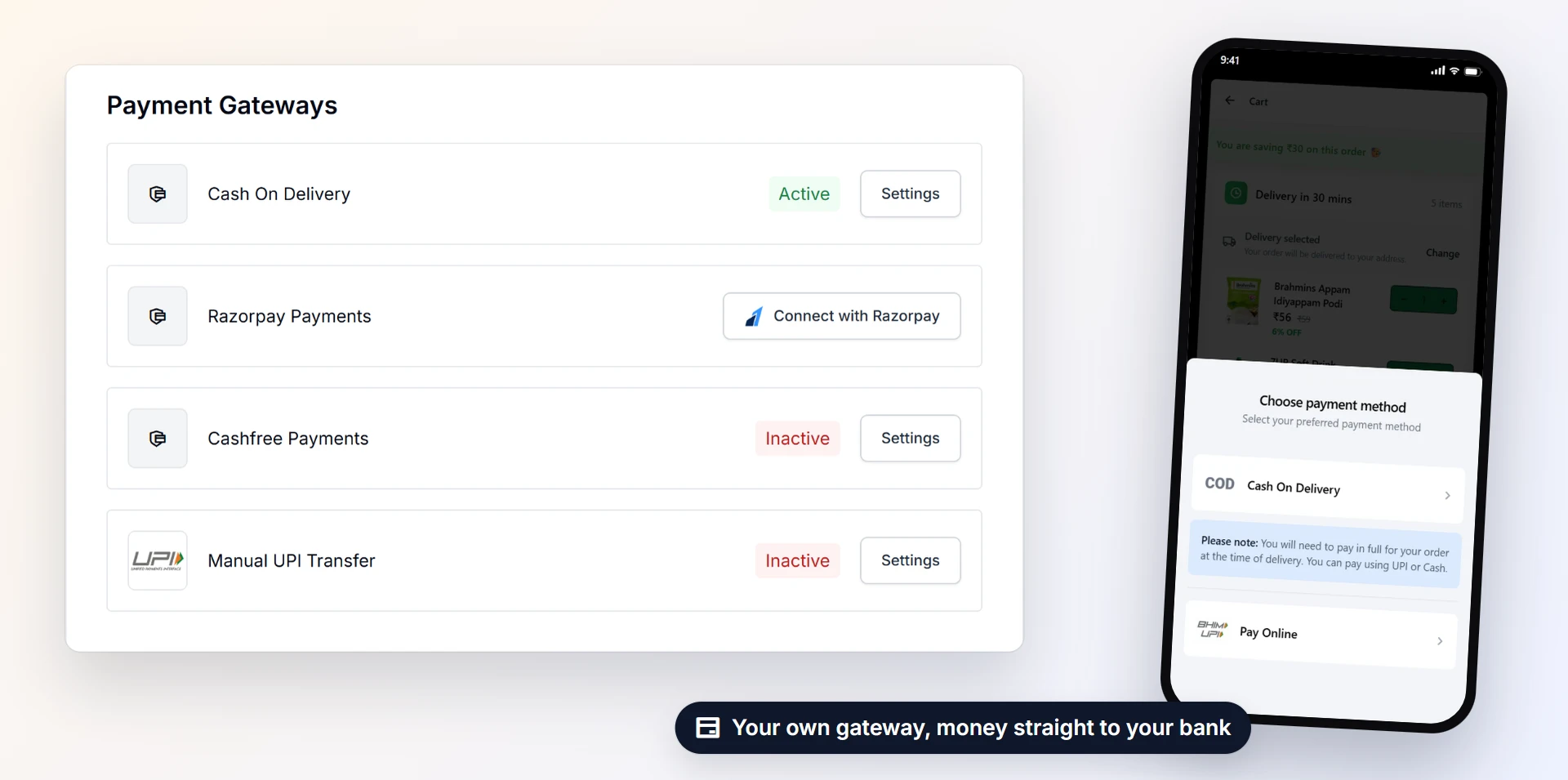
In Zepio you connect Razorpay or Cashfree to your website and app, and customers pay by UPI, card, net banking or wallet. The order is created only once the payment succeeds, and customers can retry a failed payment without losing their cart. You can offer cash on delivery with part payment online, switch it off for single customers, print a UPI QR on invoices for payment at the door, and accept direct UPI transfers with the transaction ID recorded on the order.
Start with the methods your customers already use, make every payment land on the right order, and keep your checkout short. Getting paid should be the easiest part of every sale.
Questions people ask
What is the cheapest way for a small business to accept online payments?
What documents do I need to open a payment gateway account?
How long does it take to get money from a payment gateway?
Should I accept cash on delivery?
Is UPI free for businesses?
What should happen when an online payment fails?
Sources
- UPI processes 24.07 billion transactions worth ₹29.37 lakh crore in September (NPCI data), Outlook Money
- Razorpay pricing, Razorpay
- Settlements, Razorpay Docs
- Instant Settlements, Razorpay Docs
- Decoding RBI's overhaul of the payment aggregator directions, IndiaCorpLaw
Facts were checked against these sources on 20 Oct 2026. Rules and prices change: check the source before you rely on a figure. Read our editorial standards, or write to hi@zepio.io to report a mistake.