
On this page
- Why your business needs its own website
- Step 1: Decide what the website must do
- Step 2: Choose how to build it
- Step 3: Get a domain in your business name
- Step 4: Choose a design and add your pages
- Step 5: Design for the phone first
- Step 6: Take orders and payments
- Step 7: Get found on Google
- Step 8: Send people to it every day
- What a website really costs over a year
- Mistakes to avoid
- Your website checklist
- How Zepio helps
To create a website for your small business, choose a builder that fits what you sell, buy a domain in your business name, publish the pages customers look for, make the site fast on phones, and connect it to Google Search Console and your Google Business Profile. If you sell products or take orders, use an online store platform so orders and payments work from the first day.
A small business website is your business's own place on the internet, at your own address, where customers can see what you offer, check your hours and contact details, and often order and pay. This guide compares the ways to build one, what each costs over time, what to put on it, and how to get it found.
Why your business needs its own website
Instagram, WhatsApp and marketplaces are useful, but none of them belongs to you. A website does:
- It works while you sleep. Customers browse, order and pay without a message to you.
- It can be found on Google by people searching for what you sell nearby.
- It keeps your customers' details with you, so you can reach them again.
- It looks established. A web address in your business name builds trust before the first order.
- No marketplace commission on each sale. Check whether your platform adds a transaction fee.
Step 1: Decide what the website must do
Start with the job, not the design. A small business website does one or more of three jobs:
| Job | Example | What you need |
|---|---|---|
| Show who you are | A tailor, a clinic, a consultant | Pages, contact form, map, WhatsApp button |
| Take bookings or enquiries | A salon, a caterer, a tutor | The above, plus a booking or enquiry form |
| Sell and deliver | A grocery store, a bakery, a clothing brand | Products, cart, payments, delivery areas and fees, order management |
If you sell products or take orders, the third column decides your choice. A brochure site with an order form bolted on often means typing every order by hand later.
Step 2: Choose how to build it
There are four common ways to build a small business website. Each trades money, time and control differently.

| Route | Good for | What to know |
|---|---|---|
| General site builder | Brochure and booking sites | Quick to set up; online selling and delivery are often basic or extra |
| Online store platform | Selling products and taking orders | Orders, payments, stock and delivery built in; you work inside its features |
| WordPress with plugins | People who want full control and have help | Hosting, plugins, updates and security are yours to manage |
| A developer or agency | Something unusual no builder does | Highest cost; ongoing changes and maintenance are paid work |
Whichever you choose, check four things before you commit:
- Can I use my own domain?
- Can I take payments and manage orders on it?
- Does it work well on phones?
- Can I take my data (products, customers, orders) with me if I leave?
Our guide on creating a mobile app for your business covers the same choice for apps, since many store platforms build both from one set of products.
Step 3: Get a domain in your business name
A domain is your website's address, such as yourshop.in or yourshop.com. Buy it from a domain registrar for a yearly fee.
- Use your business name, short and easy to spell when said out loud.
- Pick .in or .com. A .in suits a business that sells in India.
- Register it in your own account, with your own email, not a developer's or agency's. If someone else holds it, they hold your address.
- Turn on auto-renew. A lapsed domain can be bought by someone else.
Warning: If a freelancer or agency registered your domain, it may sit in their account, not yours. Check whose account it is in today, and move it if needed.
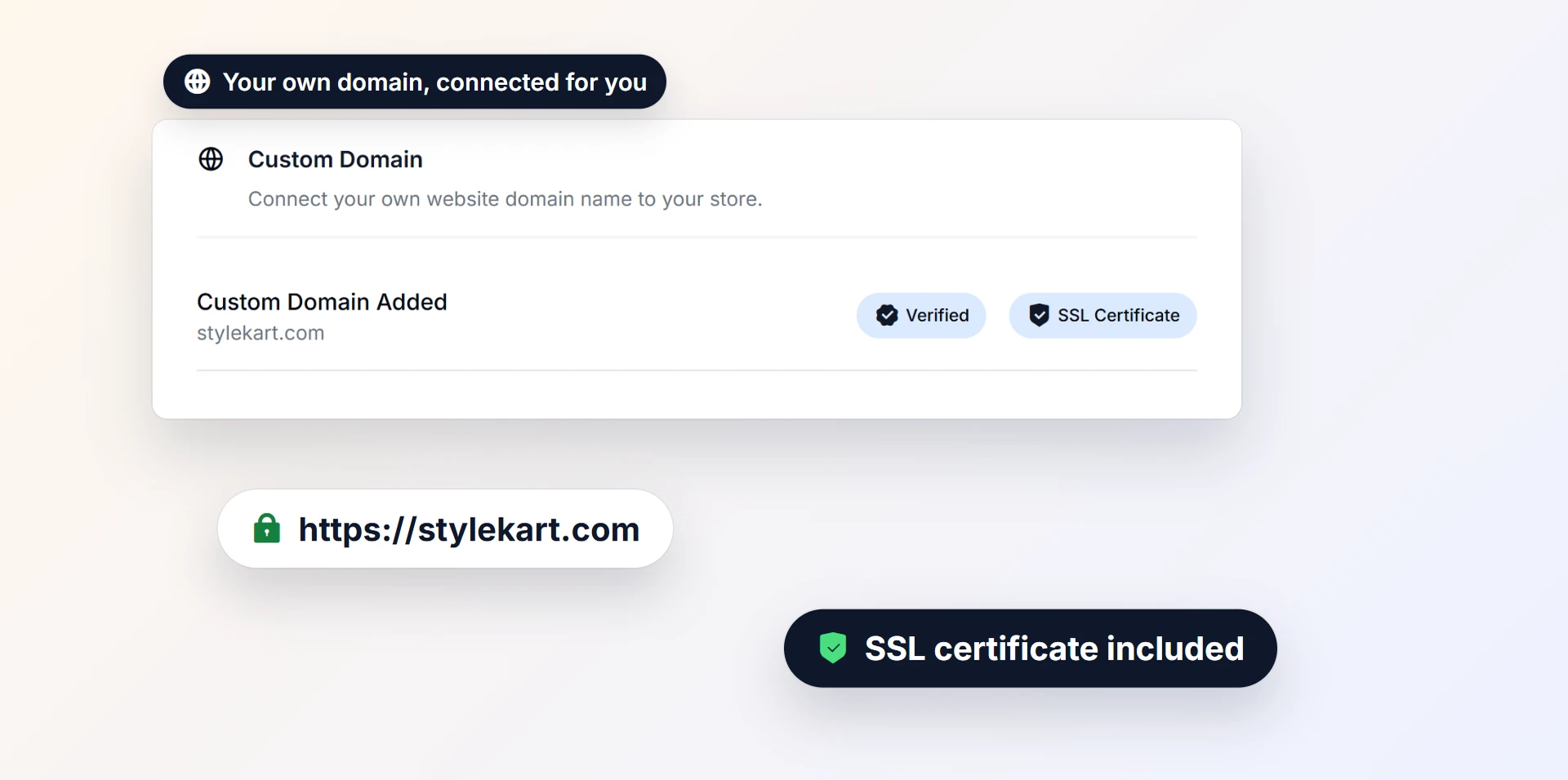
Your site should also run on HTTPS (the padlock in the browser). Google has used HTTPS as a ranking signal since 2014, and Chrome has marked sites without it as "Not secure" since 2018. Most builders and store platforms include the certificate.
Step 4: Choose a design and add your pages
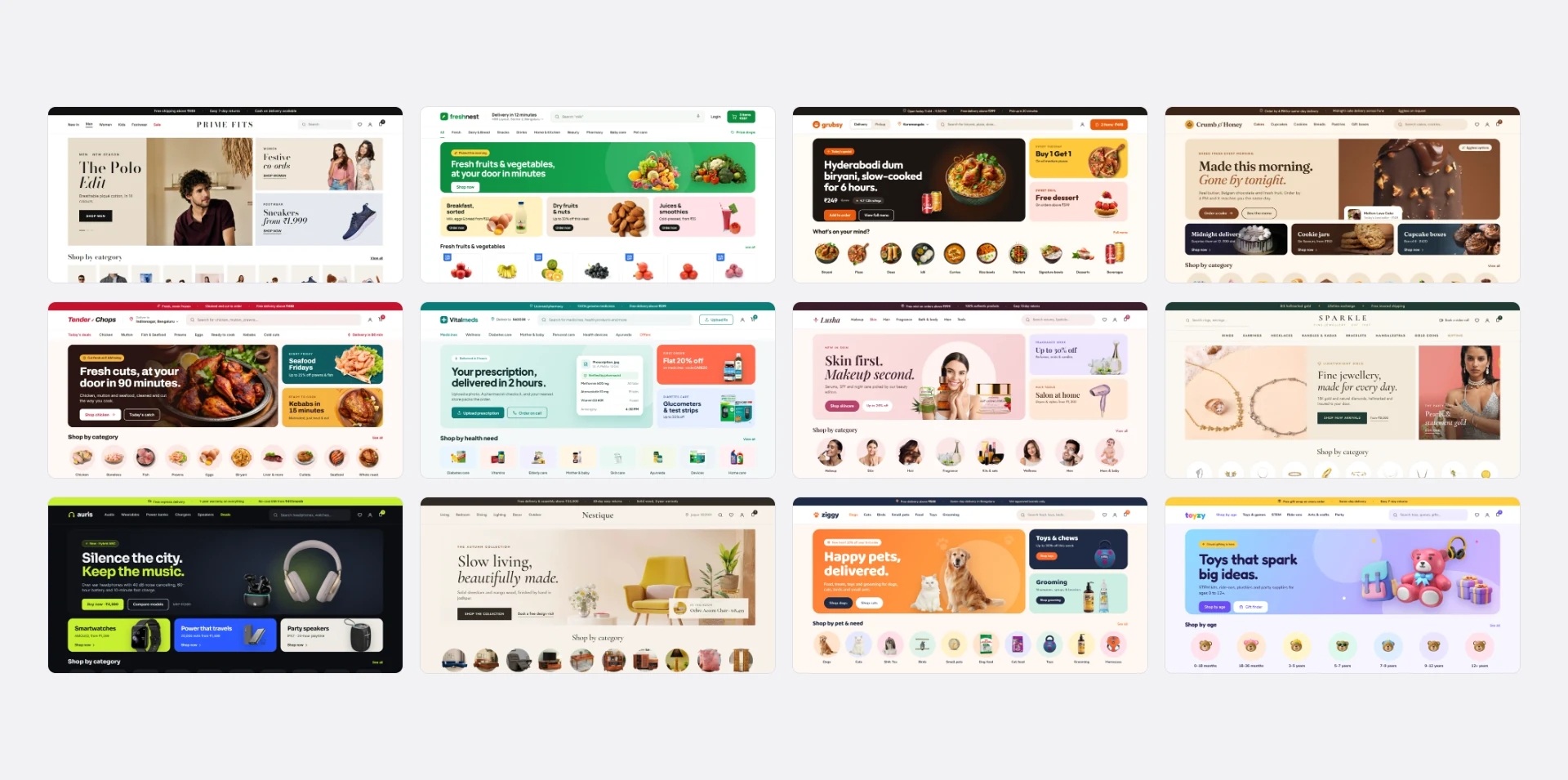
Pick a design made for your kind of business, then change the colours, logo and photos to make it yours. A grocery store needs fast search and categories; a fashion brand needs large photos; a restaurant needs a clear menu.
Pages every small business website needs:
| Page | What it must answer |
|---|---|
| Home | What you sell, where you deliver or serve, and how to order, in one screen |
| Products or services | Every item with a photo, price and options |
| About | Who runs the business, since when, and why customers trust you |
| Contact | Address, phone, WhatsApp, email, a map and your hours |
| Policies | Privacy, terms, returns and refunds, shipping or delivery |
| FAQs | Delivery areas, payment methods, how to return or exchange |
If you sell online, the Consumer Protection (E-Commerce) Rules, 2020 expect you to show your legal name and address, contact details, a grievance officer, and your return, refund, exchange and delivery policies. A free privacy policy generator, terms and conditions generator, return policy generator and shipping policy generator give you drafts to adapt and have checked.
Privacy. India's Digital Personal Data Protection Rules were notified on 14 November 2025, and the main duties on businesses, including notice and consent for collecting personal data, apply from 14 May 2027 (AMS Shardul; MeitY). Collect only the customer details you need to deliver orders, and say in your privacy policy what you collect and why.
Step 5: Design for the phone first
In India, 77.3% of web traffic in September 2026 came from mobile phones (StatCounter), and Google judges your site that way too: Google uses the mobile version of a site's content for indexing and ranking.
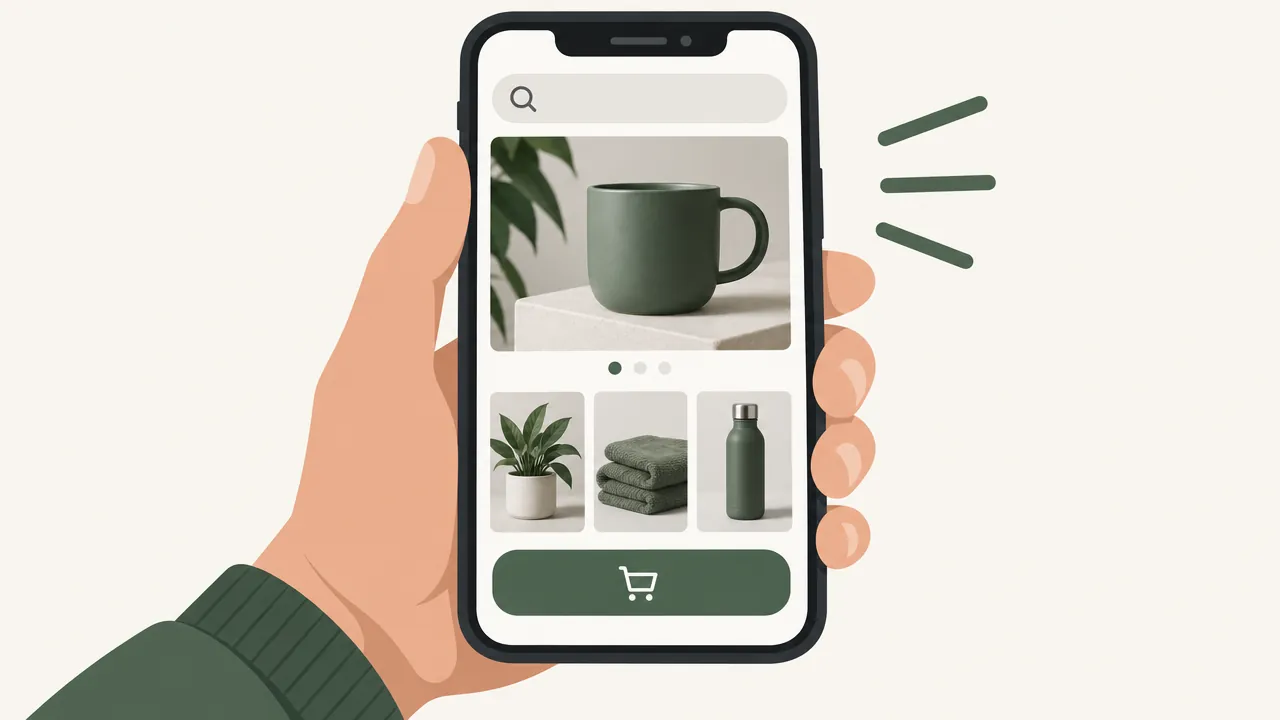
- Big, easy buttons, and a cart and search always within reach.
- Short pages: the key information in the first screen.
- Fast loading. Google's Core Web Vitals suggest the main content should load within 2.5 seconds, the page should respond to a tap within 200 milliseconds, and the layout should not jump around while loading.
- Light photos. Resize images before uploading; a 4 MB photo from a phone camera slows every page. An image resizer helps.
- Test on a cheap phone on mobile data, not just on your laptop.
Step 6: Take orders and payments
If your site sells, the checkout is the most important page on it.
- Show delivery fees and areas before checkout, not as a surprise at the last step. Our guide on setting delivery charges explains the methods.
- Offer UPI, cards and net banking through a payment gateway, and cash on delivery if your customers expect it. Our guide on accepting online payments compares the options.
- Let customers check out as guests or with a phone OTP, instead of forcing a password. In Baymard's survey, 18% of shoppers who abandoned a checkout said the site wanted them to create an account (Baymard); our guide on recovering abandoned carts lists the others.
- Send order confirmations and updates automatically.
Step 7: Get found on Google
A website nobody visits does nothing. Start with three free steps:
- Add the site to Google Search Console and submit its sitemap, so Google knows every page.
- Give every page a clear title and description, written for people: "Fresh cakes delivered in Pune | Shop Name".
- Link the website from your Google Business Profile, so people who find you on Google Maps can order. Our guide on getting your business on Google Maps walks through it.
Then keep the site alive: update products and prices, add new photos, and answer the questions customers ask most in an FAQ.
Step 8: Send people to it every day
- Put the web address everywhere: shop counter, bills, delivery bags, visiting cards.
- Link it from Instagram and WhatsApp, and send people there to order instead of taking orders in chat. Our guide on selling on WhatsApp Business covers how.
- Ask happy customers for a review on your site and on Google.
- Bring customers back with reward points and reminders; our guide on getting repeat customers explains how.
What a website really costs over a year
Compare the full yearly cost, not the first month's offer.
| Cost line | Site builder or store platform | WordPress | Developer-built |
|---|---|---|---|
| Domain | Yearly fee | Yearly fee | Yearly fee |
| Hosting and security certificate | Usually included | You arrange and pay | You arrange and pay |
| Design | Ready-made designs included | Theme, free or paid | Paid build |
| Shop features (cart, payments, delivery) | Included on store platforms | Plugins, some paid | Paid build |
| Updates and fixes | Included | Your time or a paid helper | Paid per change |
| Payment gateway fees | On online payments | On online payments | On online payments |
Ask any developer for the full cost over three years in writing, including maintenance, before comparing it with a plan.
Mistakes to avoid
A domain registered in someone else's name. You do not own your address until it is in your account.
Building for the laptop. Most Indian web traffic comes from phones.
No prices. "Call for price" sends people to a competitor who shows them.
Hidden contact details. Put your phone, WhatsApp and address on every page footer.
Launching and forgetting. Old prices and sold-out products cost trust.
Taking orders in chat when the website could. Typing orders by hand stops working as you grow.
Your website checklist
- The website's job decided: show, book, or sell and deliver
- A builder or platform chosen after checking domain, payments, phones and data export
- A domain in your business name, in your own account, on auto-renew
- HTTPS working
- Home, products or services, about, contact, policies and FAQ pages live
- Fast on a cheap phone on mobile data
- Payments and delivery fees shown before checkout, if you sell
- Google Search Console set up and sitemap submitted
- Website linked from your Google Business Profile, Instagram and WhatsApp
How Zepio helps
Zepio gives you a website made for your kind of business, from 12 industry designs with live demos, on your own domain with the security certificate set up for you. You edit pages by dragging sections, set the title and description of every page, and connect Google Search Console. Products, payments, delivery areas and fees, and orders work from day one, and your Android app uses the same products. Every charge is listed on the pricing page.
Start with the pages customers need, make them fast on a phone, and keep them up to date. That website will work harder for your business than any single ad.
Questions people ask
How do I create a website for my small business?
How much does a small business website cost?
Do I need a website if I already sell on Instagram and WhatsApp?
Should I use a website builder or hire a developer?
What pages should a small business website have?
How do I get my website on Google?
Sources
- Mobile-first indexing best practices, Google Search Central
- Web Vitals, web.dev (Google)
- Desktop vs mobile vs tablet market share in India, StatCounter Global Stats
- HTTPS as a ranking signal, Google Search Central Blog
- Cart abandonment rate statistics, Baymard Institute
- A secure web is here to stay, Chromium Blog (Google)
- Consumer Protection (E-Commerce) Rules, 2020 (Gazette copy), PRS Legislative Research
- Enforcement of the DPDP Act and notification of the DPDP Rules, AMS Shardul (law firm)
- Data protection framework, Ministry of Electronics and Information Technology
Facts were checked against these sources on 20 Oct 2026. Rules and prices change: check the source before you rely on a figure. Read our editorial standards, or write to hi@zepio.io to report a mistake.