On this page
- Why the order of stops matters
- Step 1: Fix your delivery windows
- Step 2: Group orders by area
- Step 3: Put the stops in order
- Step 4: Give the route to the delivery partner
- Step 5: Measure whether routes are getting better
- What better routes can save: a worked example
- When to move to a route optimiser
- Mistakes to avoid
- Your route planning checklist
- How Zepio helps
To plan delivery routes for multiple stops, group your orders first, then order the stops. Put orders going to the same area and the same delivery window into one trip. Then visit the stops in a sequence that keeps moving away from the store without doubling back. For up to 9 stops, Google Maps is enough. For more stops, or several delivery partners at once, use a route optimiser.
Route planning is deciding which orders go together in one trip and in what order to visit them. This guide shows a method you can use today with a phone, the numbers that tell you if it is working, and when it is time for software.
Why the order of stops matters
The order of stops can change the distance a lot. Google's OR-Tools documentation, which explains the maths of routing, shows how fast the count grows: with twenty locations there are about 2.4 quintillion possible routes (Google OR-Tools). Nobody can check all of them by hand.
Large delivery companies take this seriously. UPS reported that its routing system, ORION, saves about 100 million miles and 10 million gallons of fuel a year after it was fully rolled out in 2016 (Drexel LeBow). UPS also said that cutting one mile per driver per day was worth $50 million a year to it (Transport Topics, 2016).
You will not save millions. But the same idea applies to a bakery with 15 deliveries or a water supplier with 60: fewer kilometres per order means less fuel, less time and more orders per delivery partner.
Step 1: Fix your delivery windows
Routes are easier when orders arrive in batches. If customers can choose any time, every order becomes its own trip.
| Business | Typical windows | Why it helps |
|---|---|---|
| Milk, newspapers | One early-morning window | Same stops every day, one fixed route |
| Groceries, vegetables | 2 or 3 slots (morning, afternoon, evening) | Orders in a slot go out together |
| Water cans | Morning and afternoon rounds | Heavy loads, so plan by vehicle capacity |
| Bakery, gifts | Delivery date plus a time range | Cakes and bouquets have a fixed time |
| Restaurant food | As soon as ready | Short trips only; food must arrive hot |
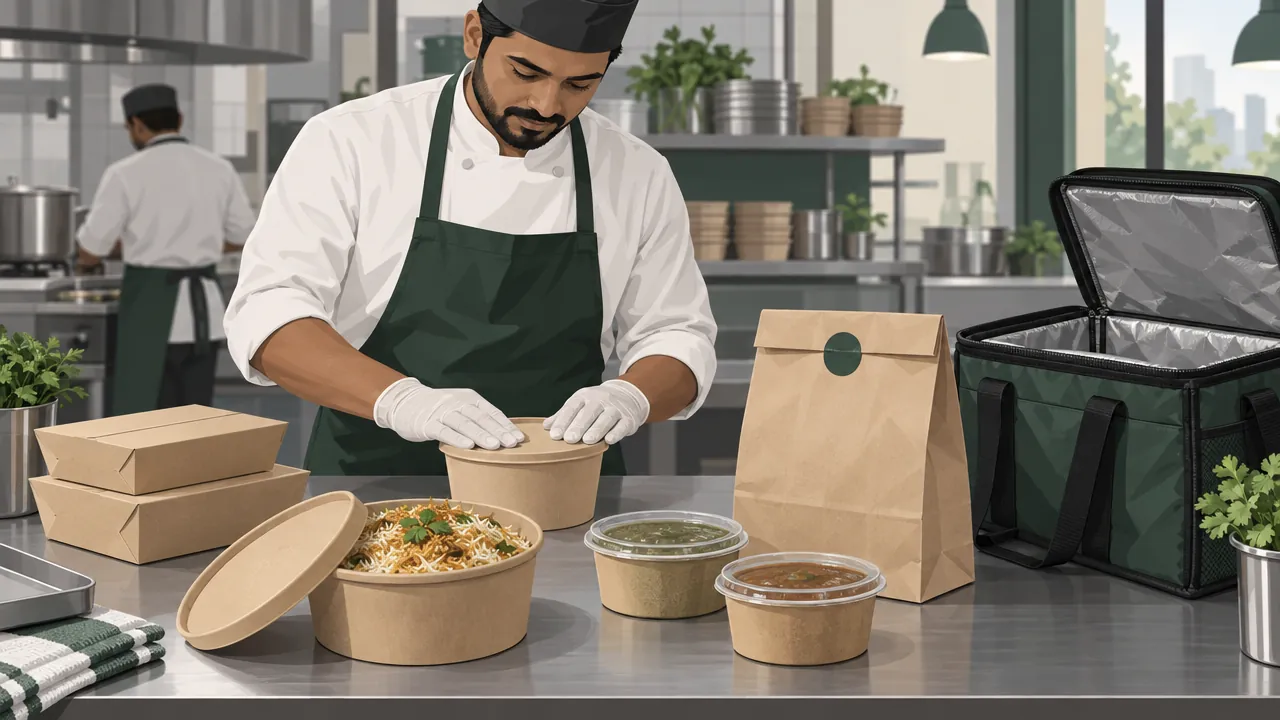
If you run cooked food, keep trips short: one or two orders per trip, close together. Batching works best for products that can wait an hour.
Step 2: Group orders by area
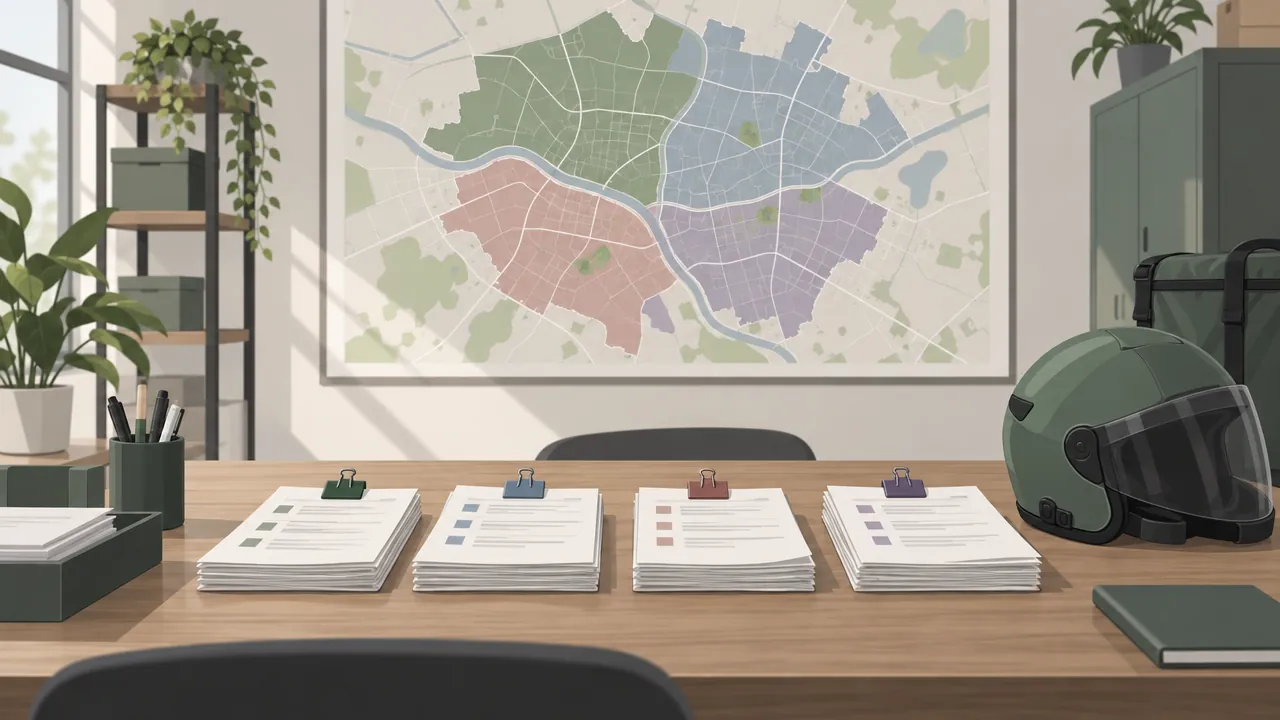
Before any route, sort the day's orders into areas. Use what you already have: pincodes, colony names, or zones you drew for delivery charges.
- List the day's orders with their area and time window.
- Make one pile per area and window. "North side, 9 to 11 am" is one trip.
- Check the load. Can one scooter carry all of it? Water cans, flour sacks and large cakes fill a vehicle fast.
- Split piles that are too big into two trips, not one long one.
Tip: Put the areas in a fixed order on a wall map (A, B, C, D going clockwise from the store). Delivery partners learn the pattern and plan faster.
Step 3: Put the stops in order
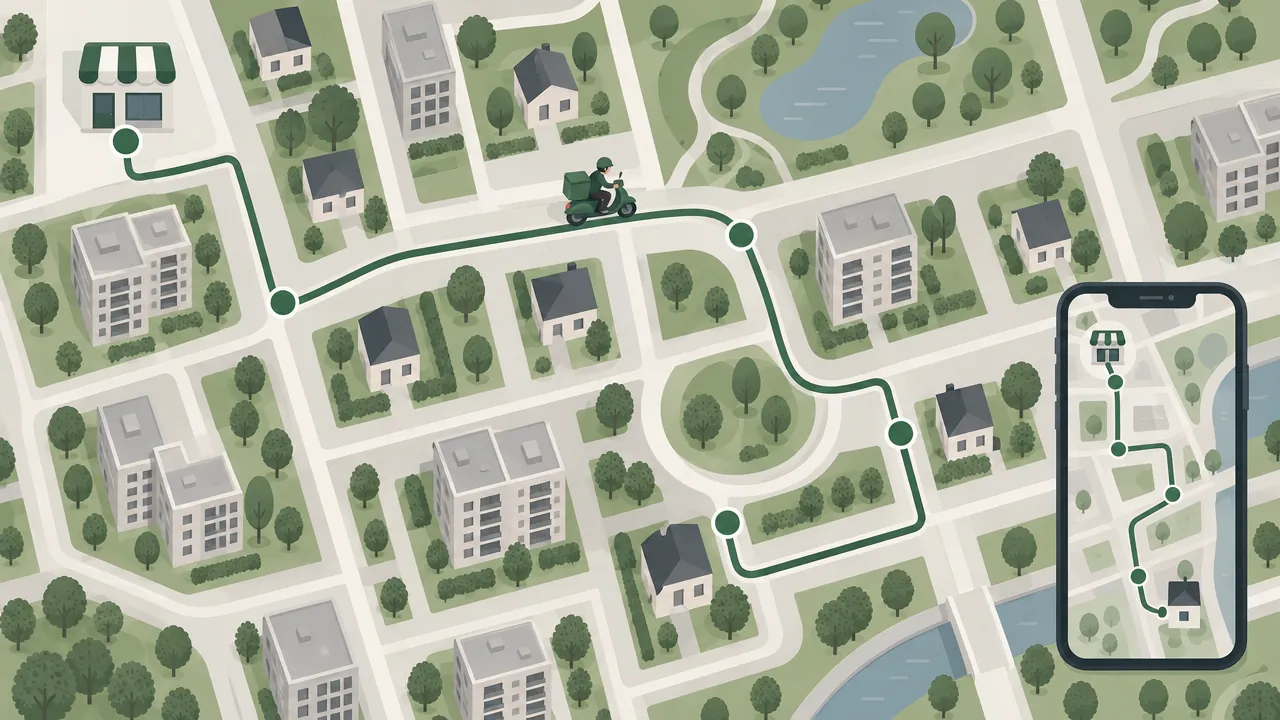
Inside each trip, choose a sequence. Three rules help with local routes:
- Start near, end far, or the other way round. Do not zig-zag between the near and far ends.
- Never cross your own path. If two parts of the route cross, swapping the stops in between almost always shortens it.
- Fixed-time stops first. A cake due at 5 pm goes in at 5 pm, and the rest fit around it.
Using Google Maps: Google Maps lets you add up to 9 stops, including the final destination, on the phone and on a computer (Google Maps Help). It does not choose the best order for you; you drag the stops into order. That works well for a trip of 5 to 8 stops.
| Situation | What to use |
|---|---|
| Up to 9 stops, one delivery partner | Google Maps with stops added by hand |
| 10 to 20 stops a trip | Split into two trips, or use a route optimiser |
| Several delivery partners at once | A route optimiser that groups orders and sequences stops |
| Same stops every day (milk, water) | A fixed route sheet, reviewed monthly |
Step 4: Give the route to the delivery partner
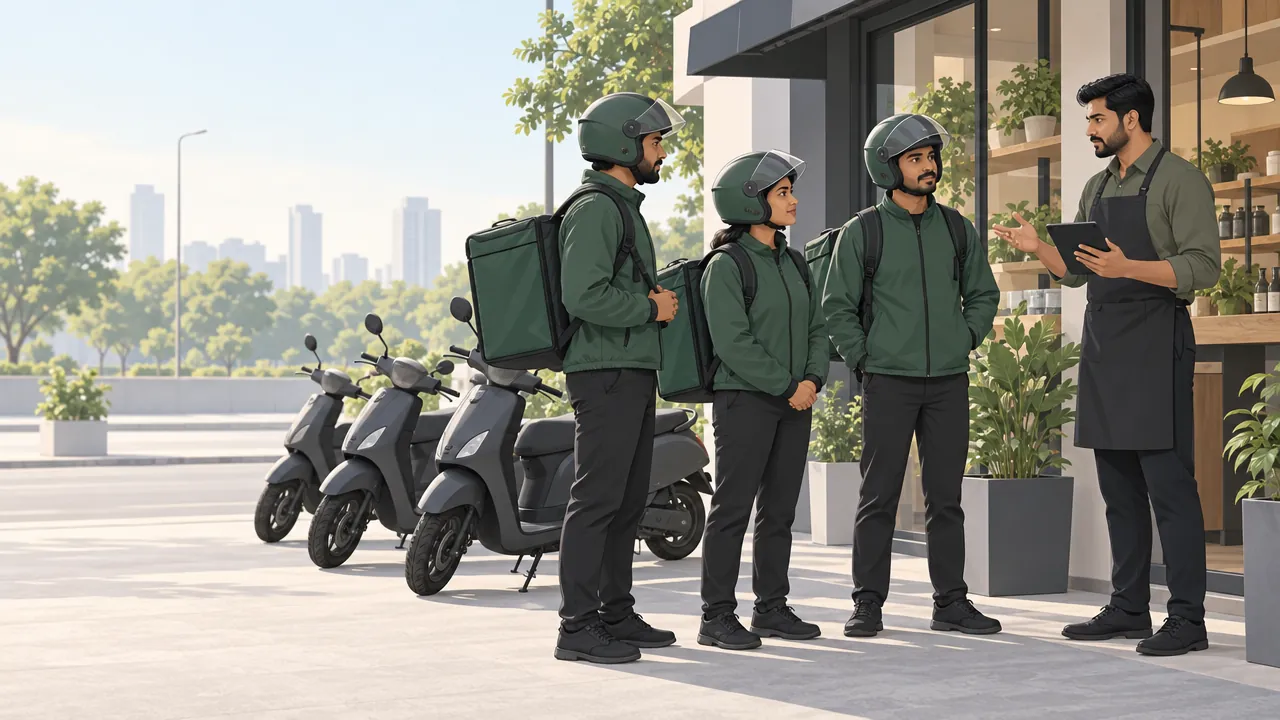
A good route is wasted if the delivery partner cannot follow it. Give each trip:
- The stops in order, with the customer's name, phone and full address.
- A map pin for each stop, not just a written address. Pins avoid calls asking for directions.
- Payment status for each order, so cash on delivery is collected only where it is due.
- What to do if a customer does not answer: wait time, how many calls, and when to move on.
Our guide to hiring and managing delivery staff covers pay per delivery, incentives and cash handling.
Step 5: Measure whether routes are getting better
Write down four numbers every week:
| Number | How to work it out | Good sign |
|---|---|---|
| Kilometres per order | Total km driven ÷ orders delivered | Going down |
| Orders per trip | Orders delivered ÷ trips | Going up (within your time promise) |
| Minutes per order | Delivery hours ÷ orders delivered | Going down |
| Late deliveries | Orders delivered after the promised time | Close to zero |
Not every scooter or bike records kilometres per trip. Ask delivery partners to note the odometer at the start and end of a shift, or use the distance in their map app.
What better routes can save: a worked example
Fuel is the cost you see first. Petrol in Delhi was ₹102.12 a litre on 22 October 2026, according to the government's Petroleum Planning and Analysis Cell (PPAC). Prices differ by city.
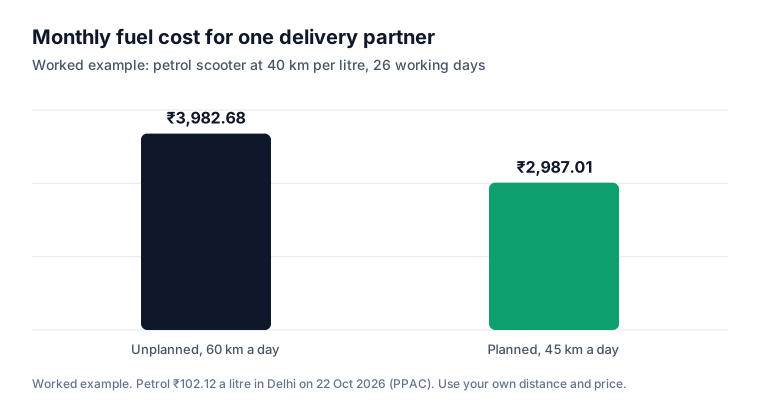
Take one delivery partner on a petrol scooter that does 40 km per litre, working 26 days a month:
| Unplanned | Planned | |
|---|---|---|
| Kilometres a day | 60 | 45 |
| Litres a day | 1.5 | 1.125 |
| Fuel a day | ₹153.18 | ₹114.89 |
| Fuel a month (26 days) | ₹3,982.68 | ₹2,987.01 |
| Saved per month | ₹995.67 |
Totals use the unrounded daily figures.
Time can be an even bigger gain. Fifteen fewer kilometres a day is time for more deliveries in the same shift. Use your own distances and fuel price; the method is what matters.
When to move to a route optimiser
A route optimiser is software that groups orders into trips and works out the order of stops for you. You need one when:
- Trips regularly have more than 9 stops.
- You have two or more delivery partners out at the same time.
- Planning routes takes you more than 15 minutes a day.
- Customers complain about late deliveries even though you have enough staff.
Google also offers route optimisation to developers through its Routes API, at a higher price per request than plain directions (Google Maps Platform). If your ordering system includes a route optimiser, check whether it is in your plan or charged separately.
Mistakes to avoid
Planning stop by stop as orders arrive. Each order becomes a trip. Batch by windows instead.
One giant trip. Twenty stops in one trip means the first customer waits and the last one gets a late order. Split it.
Ignoring weight. A scooter cannot carry 10 water cans. Plan by what the vehicle can carry, not just the distance.
Written addresses only. "Near the big tree" costs five minutes and two phone calls. Ask customers to drop a map pin at checkout.
Never measuring. Without kilometres per order, you cannot tell if a new route is better.
Your route planning checklist
- Delivery windows or slots set for products that can wait
- Orders grouped by area and window before any route is made
- Vehicle load checked for each trip
- Stops ordered without crossing back; fixed-time stops placed first
- Each delivery partner has stops in order, map pins and payment status
- Kilometres per order, orders per trip and late deliveries tracked weekly
- A route optimiser in use once trips pass 9 stops or several partners go out together
How Zepio helps
Zepio's route optimiser lets you choose the orders for a trip and works out the order of stops for you. Each trip has a status (draft, dispatched, in progress, completed), each order on it has its own status, and you can add notes to the trip. It is on the Scale plan and above. Your delivery partners use the Zepio delivery app with map directions and delivery OTP, and the live map shows every partner and order in one place.
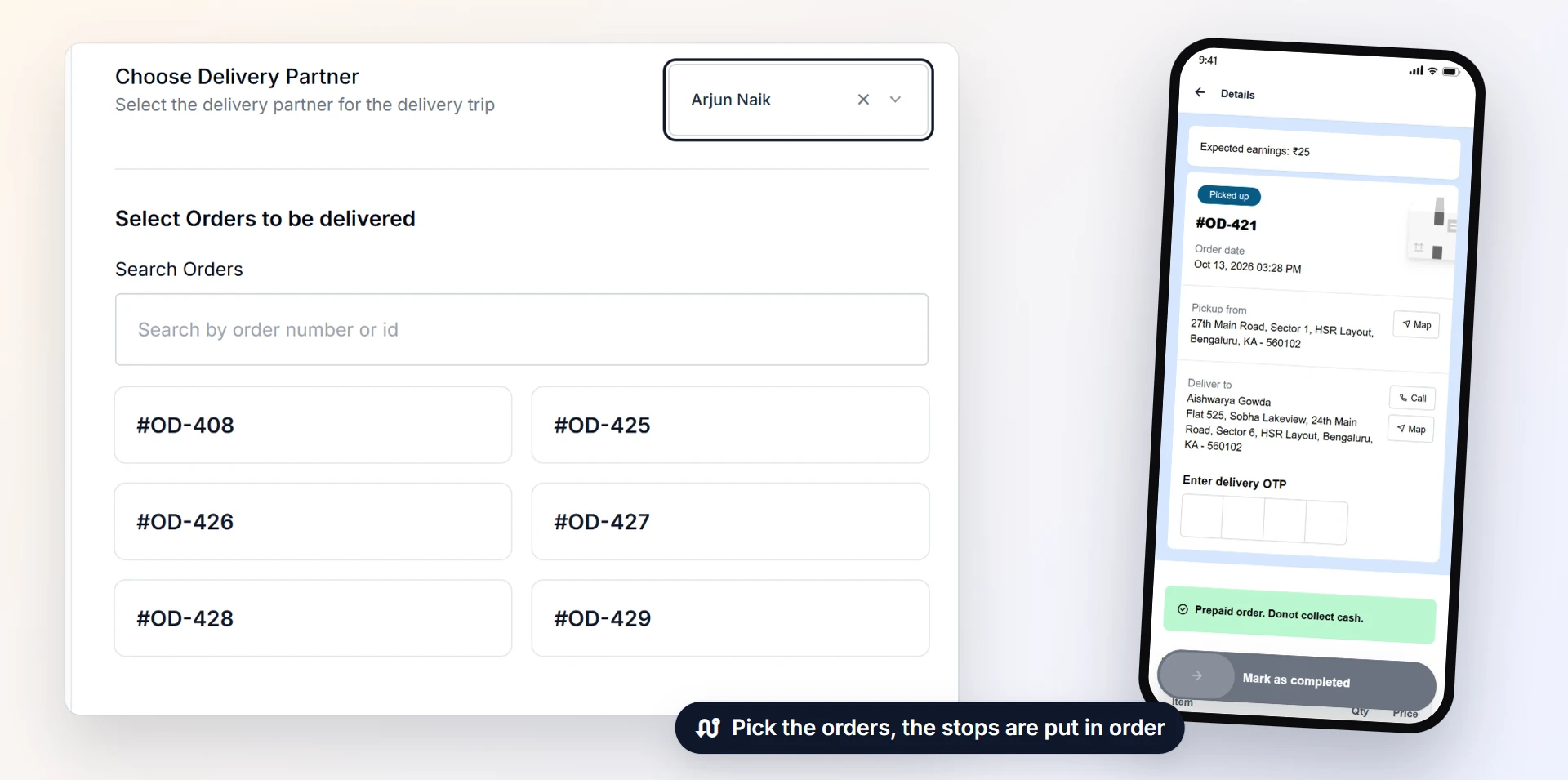
Group first, then order the stops, then measure. Small gains on every trip add up across a month of deliveries.
Questions people ask
How many stops can I add in Google Maps?
What is the best way to plan a route with many stops?
What is route optimisation?
How many deliveries should one delivery partner do in a trip?
Does route planning really save money for a small business?
Sources
- Get directions and show routes in Google Maps, Google Maps Help
- Vehicle Routing, Google OR-Tools
- Optimize the order of stops on your route, Google Maps Platform
- Analytics 50: United Parcel Service (2016 honorees), Drexel LeBow
- UPS routing program ORION helps drivers trim miles, reduce costs, Transport Topics
- Petroleum Planning and Analysis Cell: retail selling price of petrol in Delhi, PPAC, Government of India
Facts were checked against these sources on 22 Oct 2026. Rules and prices change: check the source before you rely on a figure. Read our editorial standards, or write to hi@zepio.io to report a mistake.