On this page
- What you need before you start
- Step 1: Choose individual or organisation
- Step 2: Enrol in the Apple Developer Program
- Step 3: Make sure the app passes App Review
- Step 4: Build with Apple's current tools
- Step 5: Fill in the product page
- Step 6: Answer privacy, age rating and trader questions
- Step 7: Submit for review and respond fast
- Step 8: After launch
- Mistakes to avoid
- Your App Store checklist
- How Zepio helps
To publish an app on the Apple App Store, enrol in the Apple Developer Program (US$99 a year) under your own name or your company, build the app with Apple's current tools, prepare the product page, privacy details and a demo login, and submit it for App Review in App Store Connect. Apple says it reviews 90% of submissions in under 48 hours. Rejections cause the longest delays, so the rules below matter more than the clicks.
App Store Connect is Apple's website where you create the app's listing, upload builds, answer the privacy and age rating questions and submit for review. This guide is for a business publishing its own shopping or ordering app. If you have not decided between Android and iPhone yet, start with our guide to creating a mobile app for your business.
What you need before you start
| You need | Details |
|---|---|
| An Apple Account with two-factor authentication | Used to enrol and to sign in to App Store Connect |
| The Apple Developer Program | US$99 a year, in local currency where available (Apple) |
| For a company: a D-U-N-S number | Apple uses it to verify the legal entity |
| For a company: a public website on your own domain | Social media pages or near-empty sites are not accepted |
| For a company: a work email on your company's domain | Apple asks for an email address associated with your organisation's domain |
| The app build | Built with Xcode 26 or later and an iOS 26 SDK (since 28 April 2026) |
| Listing material | Name, subtitle, description, keywords, screenshots, icon, support URL, privacy policy URL |
| A demo login | If your app has accounts, Apple's reviewers need one to test it |
Step 1: Choose individual or organisation
Apple offers two kinds of developer account, and the choice decides whose name customers see as the seller.
- Individual: for individuals and sole proprietors. Apple says your personal legal name is listed as the seller on the App Store (Apple).
- Organisation: for registered legal entities such as a private limited company or LLP. Apple requires a D-U-N-S number and does not accept trade names, fictitious business names or branches. The company name appears as the seller.
Note: A shop registered only as a proprietorship enrols as an individual, because Apple treats sole proprietors as individuals. If you want the business name shown as the seller, you need a registered company and a D-U-N-S number. Our Google Play guide explains getting a D-U-N-S number, which Google Play also asks organisations for.
Step 2: Enrol in the Apple Developer Program
- Sign in with your Apple Account at developer.apple.com and start enrolment.
- Choose individual or organisation and enter your legal details exactly as on your documents.
- For an organisation, enter the D-U-N-S number and the website, and confirm you have the legal authority to bind the company.
- Pay the annual fee.
Once your membership is active, you can sign in to App Store Connect. Keep the account in the business owner's name, not an employee's or an agency's, so you never lose access to your own app.
Step 3: Make sure the app passes App Review
Apple's App Review Guidelines are long, but a few rules decide whether a store or ordering app is approved:
| Guideline | What it says | What to do |
|---|---|---|
| 4.2 Minimum functionality | Apps should offer "features, content, and UI that elevate it beyond a repackaged website" | A real catalogue, cart, checkout, order tracking and push notifications, not a web page in a frame |
| 4.2.6 | Apps made from a commercialised template or app generation service are rejected unless submitted by the provider of the app's content | Submit from your own developer account, not your app builder's |
| 4.3(a) Spam | Do not create multiple Bundle IDs of the same app | One app per business; use branches inside it |
| 2.1 App completeness | Include demo account information if the app has a login | Give reviewers a working test login with sample data |
| 5.1.1(v) Account deletion | Apps that let people create an account must let them start deleting it inside the app | Add a delete-account option; deactivation alone is not enough (Apple) |
| 4.5.4 Push notifications | Marketing pushes need explicit opt-in and an in-app opt-out | Ask consent before sending offers |
Source: Apple's App Review Guidelines.
Mistake: Submitting the app under the app builder's or agency's account. Besides guideline 4.2.6, it means the app, its reviews and its customers are not yours if you ever change provider.
Step 4: Build with Apple's current tools
Apple raises the minimum Xcode and SDK versions from time to time. Since 28 April 2026, apps uploaded to App Store Connect must be built with Xcode 26 or later using an SDK for iOS 26 (Apple). If an agency or app builder makes your app, ask them to confirm the build meets the current requirement before you submit.
Step 5: Fill in the product page
The product page is what customers see before they install. Apple's limits (Apple):
| Field | Limit | Tip |
|---|---|---|
| App name | 30 characters | Your business name, plus a word about what you sell if it fits |
| Subtitle | 30 characters | What the app does: "Fresh groceries in 30 minutes" only if you deliver that fast |
| Keywords | 100 characters, comma separated, no spaces | Words customers search, not already in your name |
| Screenshots | Up to 10 | The first one to three show in search results when there is no app preview video |
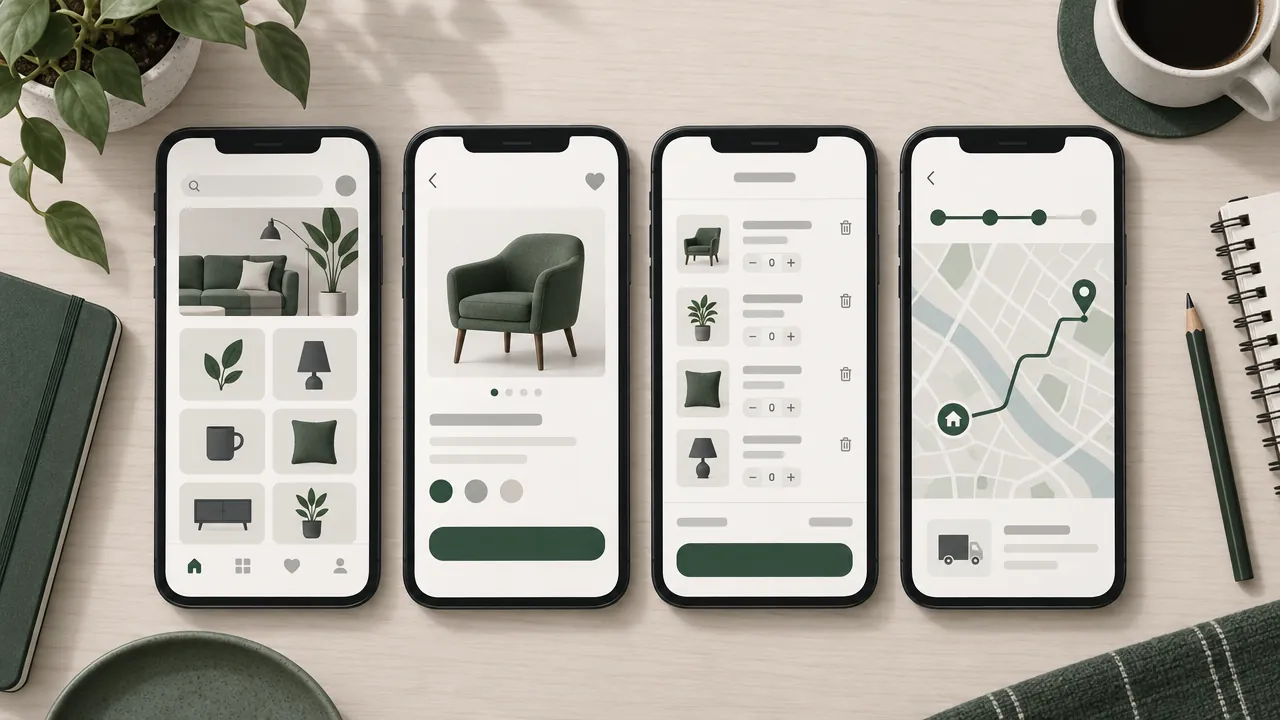
Write the description for a customer, not for Apple: what they can order, how delivery works, and why ordering in the app is better than calling.
Step 6: Answer privacy, age rating and trader questions
App Store Connect asks several compliance questions. Each must be accurate.
- App privacy details: what data the app collects, including through third-party tools inside it such as payment and analytics libraries. Apple says this is required to submit new apps and app updates (Apple).
- Privacy policy URL: a page on your website. A privacy policy generator can give you a starting draft.
- Age rating: answer the questionnaire; a shopping app that sells no restricted products typically gets the lowest age rating.
- EU trader status: under the EU Digital Services Act, Apple asks every developer to declare whether they are a trader, even if they do not distribute in the EU (Apple). Traders' contact details are shown on EU product pages.
Step 7: Submit for review and respond fast
Upload the build, attach it to the version, add the review notes and demo login, and submit. Apple says App Review typically reviews at least 50% of submissions in under 24 hours and 90% in under 48 hours (Apple).
If the app is rejected, Apple names the guideline. Fix exactly what it names, reply in the Resolution Center if something needs explaining, and resubmit. For store apps, the guidelines in Step 3 are the ones to check first.
Step 8: After launch
- Link to the app from your website, bills and WhatsApp messages. Our guide on getting more app downloads covers QR codes and store listing tips.
- Send useful push notifications, with consent: see our push notification ideas.
- Renew the developer membership every year, before it expires, so your app stays available.
- Update the app when Apple raises the SDK requirement, or new versions cannot be uploaded.
Mistakes to avoid
Enrolling in someone else's name. The app belongs to whoever owns the account.
A website in a frame. Apple rejects apps that do not go beyond a repackaged website.
No demo login. Reviewers cannot test checkout, so the app is rejected for being incomplete.
Forgetting account deletion. If customers can sign up, they must be able to delete their account in the app.
Promising what you cannot deliver. "10-minute delivery" in the subtitle invites one-star reviews if you deliver in an hour.
Your App Store checklist
- Apple Account with two-factor authentication, in the owner's name
- Developer Program: individual (sole proprietor) or organisation (D-U-N-S and website)
- App with real shopping features, built with Xcode 26 or later
- Submitted from your own developer account
- Name, subtitle, keywords and up to 10 screenshots ready
- Privacy details, privacy policy URL, age rating and EU trader status completed
- Demo login and review notes added
- In-app account deletion working
- Membership renewal date in your calendar
How Zepio helps
Zepio's iPhone app is an add-on to any plan. It is the same store your Android customers use, with your name, icon and colours, your full catalogue, checkout, push notifications, rewards and referrals, and it is published under your own Apple developer account. Orders from iPhone, Android and your website arrive in one admin.
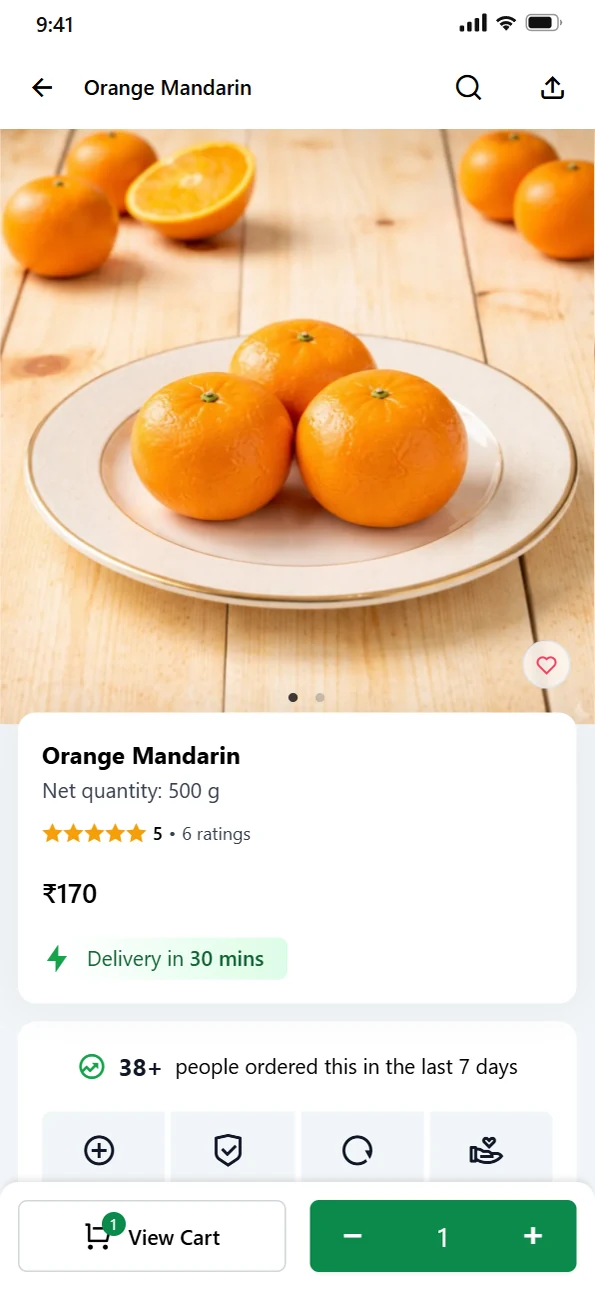
Enrol in your own name, meet the review rules, and your iPhone customers can order from you in your own app.
Questions people ask
How much does it cost to publish an app on the App Store?
Do I need a D-U-N-S number for the App Store?
How long does Apple take to review an app?
Why do store apps get rejected by Apple?
Can an app builder publish my app under its own Apple account?
Sources
- Enrollment, Apple Developer
- App Review Guidelines, Apple
- App Review, Apple Developer
- Upcoming Requirements, Apple Developer
- App privacy details on the App Store, Apple Developer
- Offering account deletion in your app, Apple Developer
- Manage European Union Digital Services Act trader requirements, Apple Developer
- Creating your product page, Apple Developer
Facts were checked against these sources on 22 Oct 2026. Rules and prices change: check the source before you rely on a figure. Read our editorial standards, or write to hi@zepio.io to report a mistake.