
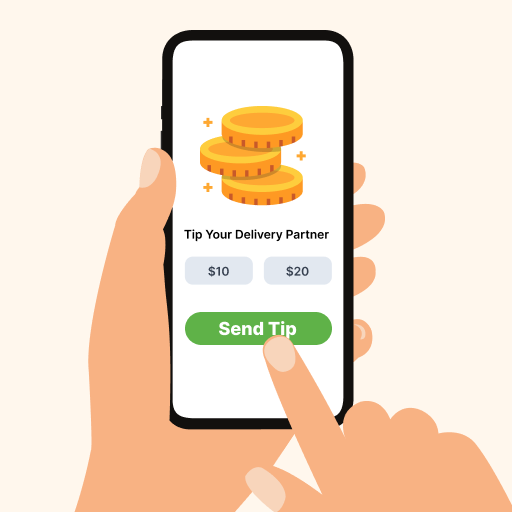
Delivery Tips
Customers add a tip at checkout with one tap. You decide the share your delivery partner gets.


What it does
Tips keep good delivery partners with you. Set the quick-select amounts customers see at checkout, add an image to the tip section, and choose what percentage of each tip goes to the delivery partner.
-
One-tap tips. Quick-select amounts at checkout.
-
Your amounts. Set the options, like 10, 20 and 30.
-
Their share. Choose the percentage the delivery partner keeps.
-
Your image. Add a picture to the tip section.
You control all of this
Switch it on in your admin under Plugins, then set these.
- Quick-select amounts
- The tip options, separated by commas.
- Share
- The percentage of each tip paid to the delivery partner.
- Image
- A picture shown with the tip options.


Questions about Delivery Tips
Do delivery partners get the whole tip?
Try Delivery Tips free
Five days free, no card needed. Every plugin is in your admin from day one.
5 day free trial. No card needed. No developer needed.