
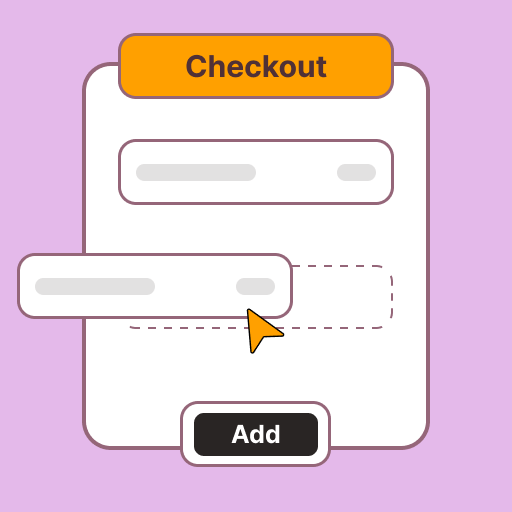
Checkout Fields
Ask for what you need before the order is placed: a delivery slot, a gift note, a prescription, or agreement to your terms.


What it does
Every business needs something different at checkout. Add fields of any type, give each a title and a short note, and make it required if the order cannot go ahead without it. Pharmacies ask for a prescription upload, bakeries a delivery date, and anyone can ask customers to tick a box.
-
Many field types. Text, number, choices, checkbox, date, time or file upload.
-
Required or optional. Stop the order until a required field is filled in.
-
File uploads. Choose which file types customers may upload.
-
Date limits. Set how far ahead a customer can book.
-
Notes for customers. A subtitle and an info message under each field.
You control all of this
Switch it on in your admin under Plugins, then set these.
- Field type
- Text, number, choices, checkbox, date, date and time, time, or file.
- Title and notes
- The label, a subtitle and an info message.
- Required
- Whether the order needs it.
- Limits
- Maximum length, allowed file type, or how far ahead a date can be.
- Active
- Hide a field without deleting it.
Questions about Checkout Fields
Can customers upload a prescription?
Can I make a field required?
Try Checkout Fields free
Five days free, no card needed. Every plugin is in your admin from day one.
5 day free trial. No card needed. No developer needed.